
Step 2
Choose Google Drive
Connect Drive and choose the folder where Tweet Media Archive should upload the resolved video or image file.
 Tweet Media Archive
Google Drive integration
Keep the videos and photos from X posts in Google Drive. Use the website for supported public posts, or the extension for browser saves and bookmark collections.
20 free links per 30 minsNo card requiredGoogle Drive uploadPast upload history
Built and documented by danialbkaUpdated September 12, 2026
Tweet Media Archive saves the available media from an X/Twitter post as files in Google Drive. You choose the post and destination folder. It does not synchronize your Twitter account, copy tweet text into a document, or publish posts from Drive.
The website trial covers five pasted cloud-save links. A linked paid purchase unlocks unlimited website cloud saves. The website uses Google's drive.file permission for files and folders it creates or you authorize; it does not browse unrelated Drive content.
Website and extension connections are separate. Use the extension for Twitter bookmark media and profile media collections. To use saved media in a document, follow the Google Docs workflow.

Use a supported post, bookmark, or profile-media URL. The extension resolves the media attached to that page.
Connect Drive and choose the folder where Tweet Media Archive should upload the resolved video or image file.
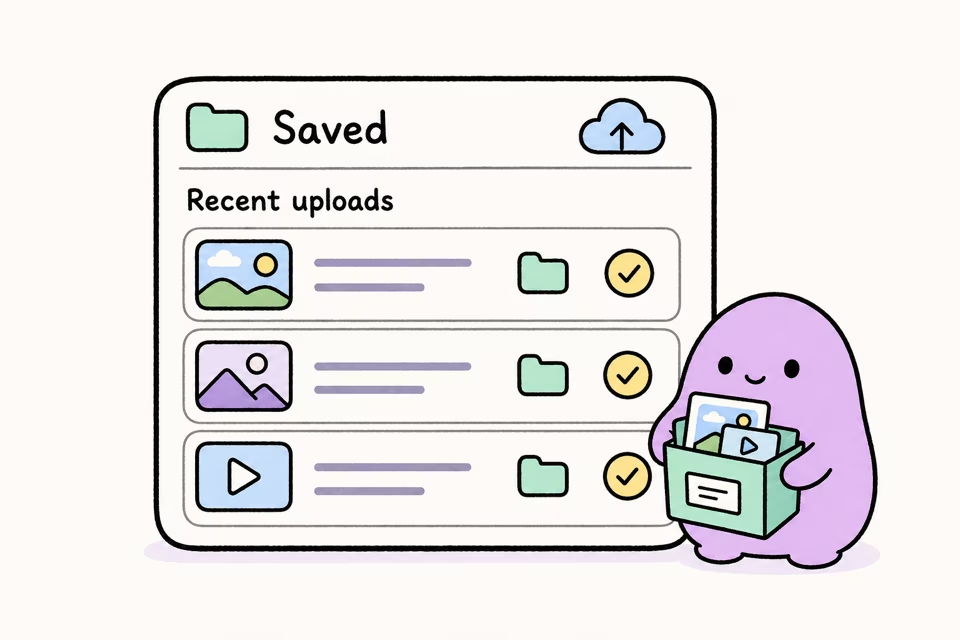
Past uploads keeps a record of the source URL, filename, destination, and saved-file link for later reference.
Connect Google Drive in Tweet Media Archive, choose a Drive folder, then paste a supported X/Twitter URL. The extension resolves the media and uploads the file to Drive.
Yes. Tweet Media Archive itself is the browser extension handling the save. It sends supported media directly to the Google Drive folder you choose without a separate downloader website, desktop utility, or manual download-and-re-upload step.
Yes. Creators and clippers can use a shared Drive folder so editors, clients, or teammates can access the actual saved files instead of fragile post links.
Tweet Media Archive supports normal X/Twitter post links, bookmark media workflows, and profile media pages, with Google Drive, Dropbox, or Downloads as destinations.
If you saved the media before the post was deleted or made private, the file remains in the Google Drive folder you chose. The extension cannot recover media that is already unavailable.
Manual downloading makes you save a file locally, rename it, find the right folder, and upload it to Drive afterward. Tweet Media Archive keeps the workflow closer to the way creators and clippers actually work: paste the Twitter/X URL once and send the actual video or image to the Google Drive folder your team already uses.
Yes. It connects pasted X/Twitter media URLs to Google Drive uploads, so the saved result is a file in your Drive instead of only a bookmark or copied link.
Yes. When the media is available to the extension, Tweet Media Archive resolves the video or image and uploads the actual file to the Google Drive folder you choose.